
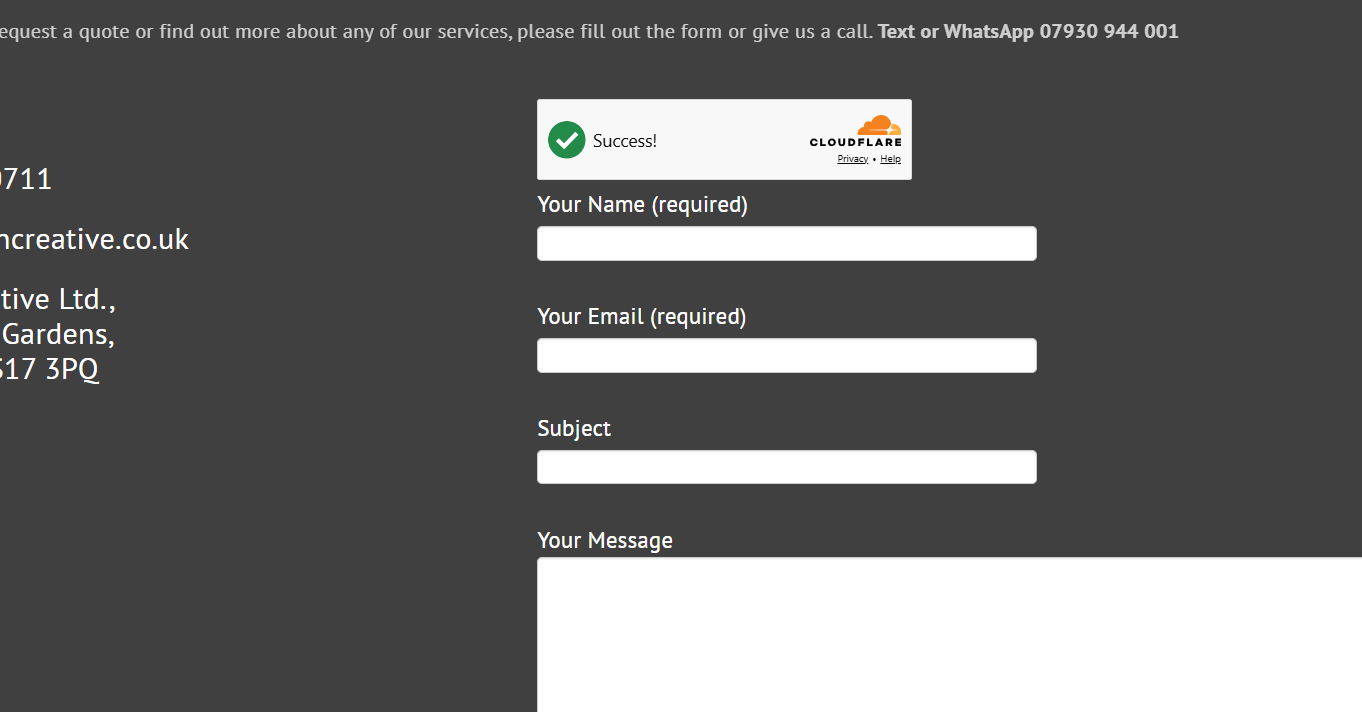
Cloudflare Turnstile is an alternative to an interactive CAPTCHA. Current Contact Form 7 has a native integration, so start there rather than adding a hand-written challenge script or another integration plugin.
Create the widget
In your Cloudflare account, create a Turnstile widget for the site’s actual hostname. Use the Managed mode recommended by Contact Form 7 and keep the secret key private. A staging hostname and a live hostname need deliberate configuration; do not assume they are interchangeable.
Connect it in WordPress
Open Contact → Integration, choose the Turnstile setup and enter the widget’s site and secret keys. Contact Form 7 handles embedding the widget through its integration. Follow the current plugin documentation if the option is missing rather than pasting unrelated code into the theme.
Check the form journey
With permission to send test messages, check successful submission, actual mailbox delivery, validation and keyboard use. Review existing CAPTCHA settings so that two different challenges do not create unnecessary friction. Test the result after cache changes and on a small screen.
Bot protection is only one part of a contact form. Review external-service terms, privacy information and mail configuration as well. Do not promise that a challenge will stop every unwanted message or that a displayed success message proves delivery.
For message storage and other supported options, read the Contact Form 7 setup guide, or ask about WordPress support.
Sources and further reading
Guidance checked 26 October 2026: Contact Form 7’s native Turnstile instructions.