
Websites & WordPress
Practical articles about website planning, builds, WordPress development, ecommerce, forms and website functionality.
Browse other topics
- AI & Automation (4)
- Business & Industry (22)
- Content & Copywriting (12)
- Digital Marketing (23)
- Graphic Design & Creative Tools (5)
- Hosting & Maintenance (9)
- Matterport & Property Media (9)
- Microsoft 365 & Email (23)
- Online Safety & Scams (7)
- SEO & AI Search (20)
- Seven Creative News (9)
- Technology & Practical Guides (18)
- Websites & WordPress (12)
-
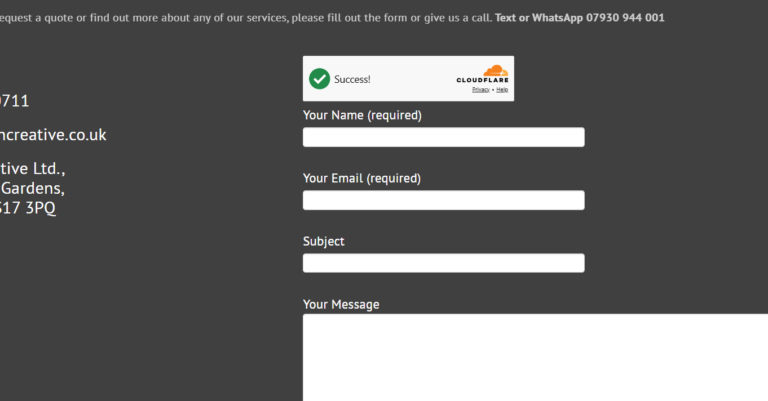
Cloudflare Turnstile – alternative to Google reCAPTCHA
Cloudflare Turnstile is an alternative to an interactive CAPTCHA. Current Contact Form 7 has a native integration, so start there rather than adding a hand-written challenge script or another integration plugin. Create the widget In your Cloudflare account, create a Turnstile widget for the site’s actual hostname. Use the Managed mode recommended by Contact Form…
-
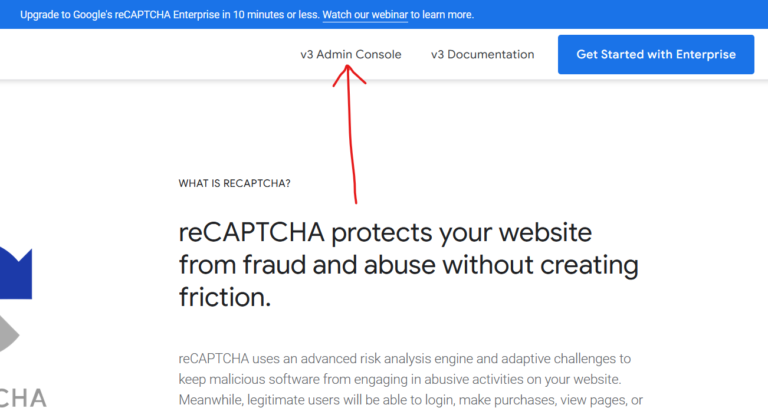
How to remove a website from the reCaptcha admin console in 3 easy steps
Step 1 – log into the reCaptcha console: https://www.google.com/recaptcha/about/ Step 2 – go to the website you’d like to delete from the drop-down then click the ‘settings’ icon Step 3 – from the website reCapcha settings page look at the top-right corner to see the ‘delete’ icon’ What is the Google reCAPTCHA? Google reCAPTCHA is…
-
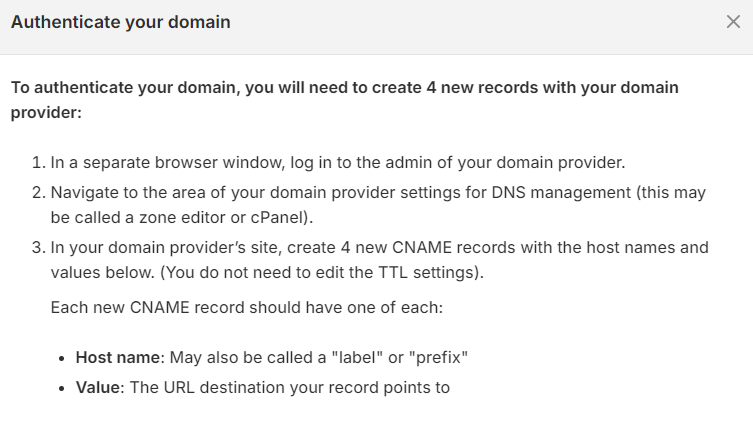
Shopify DMARC authentication for email
If Shopify asks you to authenticate your sender email, use the records shown in your own store. Do not copy another business’s values or assume a DMARC record alone completes the setup. Find the store’s current instructions In Shopify, open Settings → Notifications and look for sender email and email domain authentication. Shopify currently offers…
-
Changing your WordPress site language to English (UK)
WordPress can use English (UK) for its interface. The site-wide language and your own dashboard language are separate settings, so check which one you want to change. Set the site language With an account authorised to change site settings, go to Settings → General → Site Language. Choose English (UK), then save. WordPress may need…
-
How to reactivate the WordPress Links Manager
If like me you’ve been using WordPress since the beginning – or at least prior to December 2012, you might remember the old WordPress Links Manager (sometimes also known as Blogroll). However, this functionality was removed by default from WordPress version 3.5 onward. Yes, on the one-hand, links like that are a bit old-fashioned, however,…
-
How to get Contact Form 7 check-boxes and buttons on new lines
If you’re using Contact Form 7 on your WordPress site for the contact form, you may have come across an annoying little problem when you add checkboxes or radio buttons and they all appear one after another on one line. Unfortunately there isn’t currently an easy or quick fix for this as the best solution…
-
WordPress Tutorial – Contact Form 7 with CAPTCHA and Message Log
A contact form needs to accept genuine enquiries as well as reject spam. Adding several unrelated CAPTCHA plugins is not automatically the best answer. Start with the spam protection your current Contact Form 7 version supports. Choose a supported integration Contact Form 7 documents native integrations for Cloudflare Turnstile, reCAPTCHA v3 and Akismet. Choose an…
-
Upgrade Contact Form 7 to reCAPTCHA V3
The vast majority of unwanted website contact form messages (spam) are created by ‘bots’ – software that finds contact forms and sends messages through them. Google’s reCAPTCHA is a way of protecting you against this spam and other types of automated abuse as it attempts to verify that the form is being filled in by…
-
WordPress – change the default ‘from’ information
The default email address and from name in WordPress notification emails can be easily changed by editing your functions.php file Simply add the following code (remembering to change the email address and name to the ones you want to use instead) add_filter(‘wp_mail_from’, ‘new_mail_from’); add_filter(‘wp_mail_from_name’, ‘new_mail_from_name’); function new_mail_from($old) { return ‘yourname@yourdomain.com’; } function new_mail_from_name($old) { return…
-
Top 10 Biggest Website Mistakes Stopping You From Winning Business
Every day here at Seven Creative, people show us their sites that were built by other companies and ask us things like “why doesn’t my website appear in Google” or “Why do I hardly ever get any calls from my website” so we thought we should produce a quick check-list to help you evaluate your website and hopefully spot…
-
5 things you must do to have a successful website!
A successful website helps the right person understand your business and take the next step. It does not need every fashionable feature, but it does need to work for its audience. 1. Make it usable on a small screen Check the navigation, text, buttons and forms on a phone as well as a desktop. Try…
-
The importance of having a website
Introduction I was recently commissioned by the Chamber of Commerce to write a short article about the ‘importance of having a website for small businesses’. When I looked at the ‘subject’ around which to write an article, I have to say I was a little stumped. The problem is that I just don’t agree with…