
Graphic Design & Creative Tools
Graphic design, Photoshop and image-editing guides, with practical explanations of common tools and problems.
Browse other topics
- AI & Automation (4)
- Business & Industry (22)
- Content & Copywriting (12)
- Digital Marketing (23)
- Graphic Design & Creative Tools (5)
- Hosting & Maintenance (9)
- Matterport & Property Media (8)
- Microsoft 365 & Email (23)
- Online Safety & Scams (7)
- SEO & AI Search (20)
- Seven Creative News (8)
- Technology & Practical Guides (18)
- Websites & WordPress (12)
-

How to fix the Photoshop error “The currently selected scratch disks are full. Please modify scratch disk preferences that will come into effect in the next launch”
How to fix the Photoshop error “The currently selected scratch disks are full. Please modify scratch disk preferences that will come into effect in the next launch” Adobe Photoshop relies heavily on RAM (which is an acronym for Random Access Memory) to improve the speed of real-time image processing and application functionalities. However, the physical…
-
How to avoid blurry images when posting to social media such as Instagram
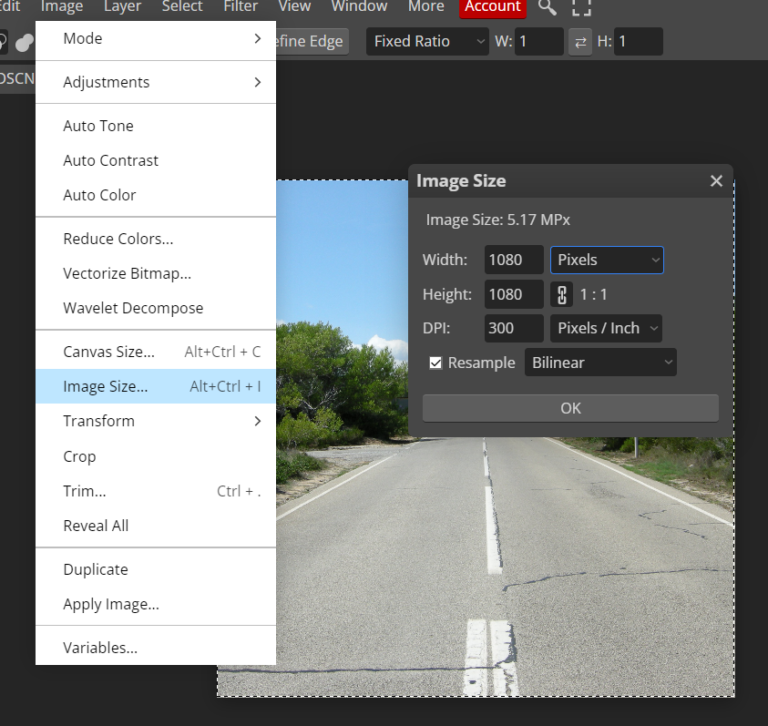
When you upload an image to Instagram or other social media, they’re processed by the server, resized and sometimes cropped automatically, and we usually don’t have a lot of control over this. This is called ‘image optimisation’ and is done to improve the display speeds of your images. Image optimisation reduces the size of the…
-
Does the Photoshop generative AI images generator actually work?
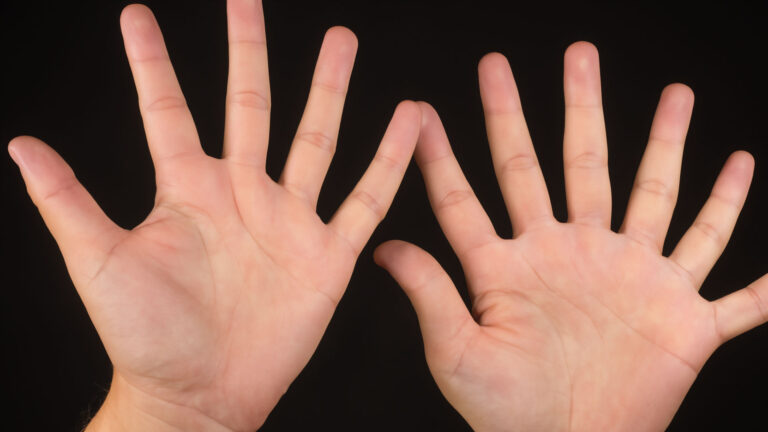
Like many of us I’ve been experimenting with generative AI images. The Photoshop version requires a prompt, and within a few seconds, it creates an image for you based on that text. But is it actually useful and what can you do with it? Example 1 – “one large jigsaw piece being held by a…
-

Photoshop error – Could not complete this operation. An error occurred while reading the endian type
WebP is a modern digital image format developed by Google that offers significant advantages over traditional formats like JPEG and PNG. However, editing and saving this new type of image in Photoshop isn’t always as fast or straight-forward as you’d hope. Check your Photoshop version and WebP support Photoshop 23.2 and later has native WebP…
-
Photoshop Crashing When Resizing Images – solution
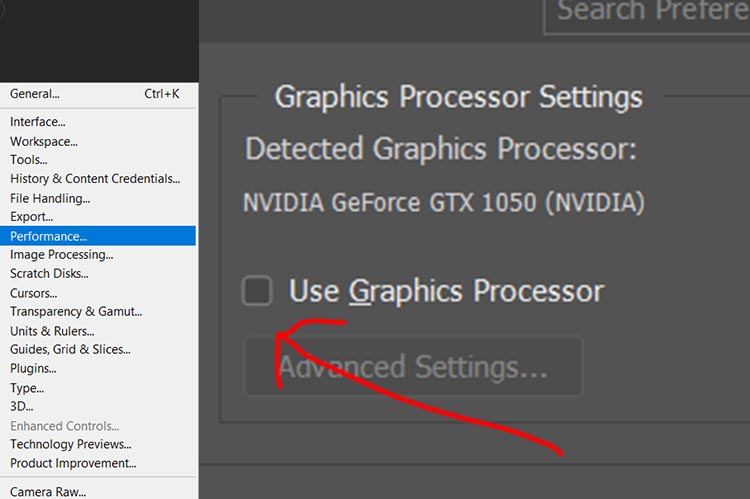
I currently use Photoshop on my HP Intel i7, GEFORCE GTX laptop (relevant), however, it would almost always crash or ‘close unexpectedly’ whenever I tried to re-size and image. I use Photoshop a lot so it was a big problem for me. At first, and after doing some research, it looked to me like this…