
What is a WEBLOC File?
A .webloc file is a website shortcut created by macOS. It works exactly like a standard desktop application shortcut, but it points to a specific webpage on the internet rather than a local program.
How they are created You generate these files on a Mac by dragging a website address from your web browser’s URL bar directly onto your desktop or into a Finder folder. Safari creates them by default, but Chrome and Firefox on macOS do this as well.
How to open a .webloc file on a Mac You just double-click the file. This opens the saved webpage immediately in your default web browser.
How to open a .webloc file on Windows Windows computers do not natively recognise .webloc files. Windows relies on .url files for website shortcuts, so trying to double-click a Mac-generated shortcut on a PC results in an error. But you can still access the link without needing third-party conversion software.
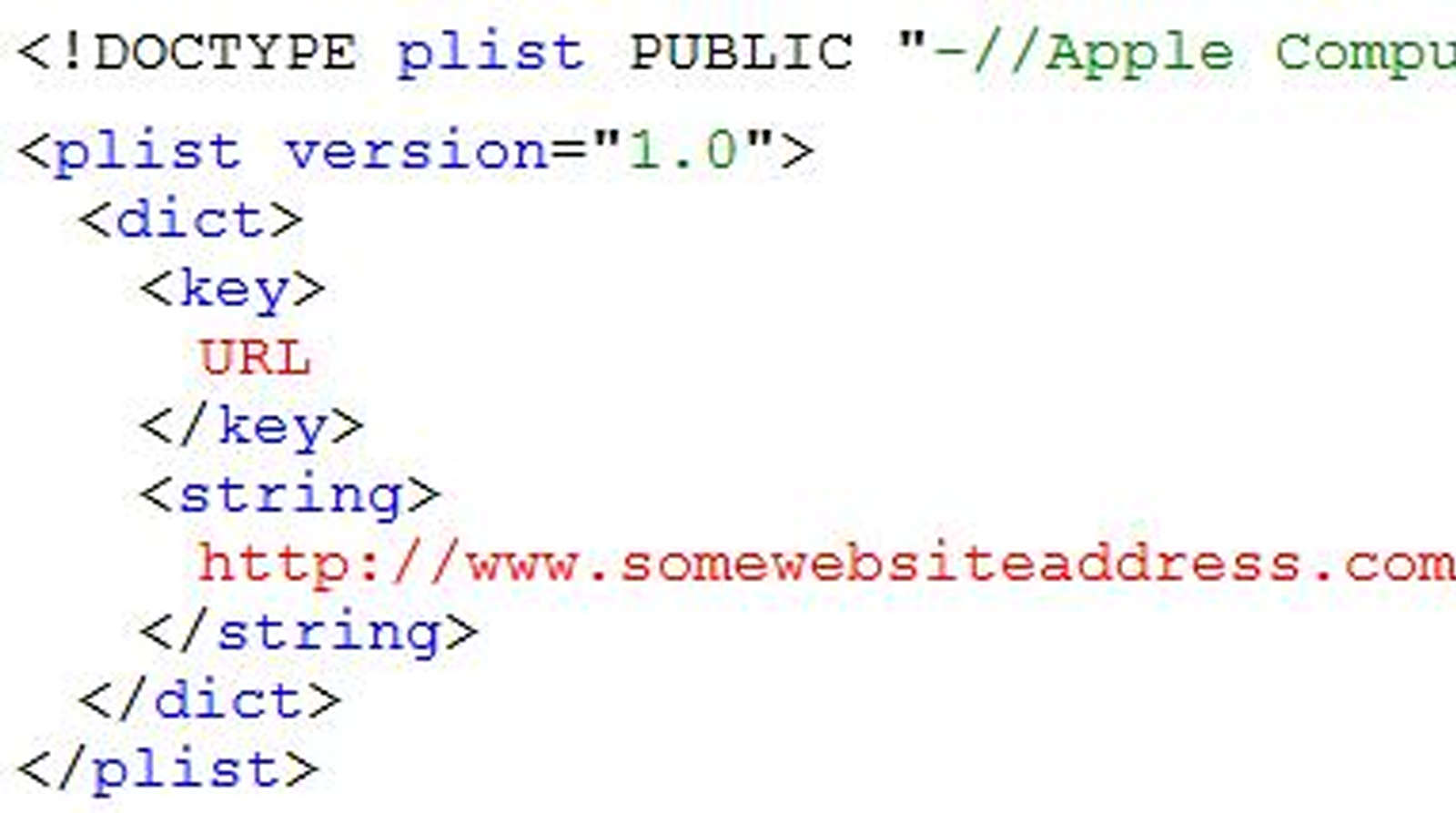
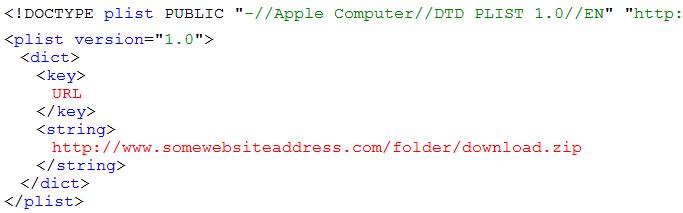
A .webloc file is simply a plain text XML document under the surface. This helps when you need to extract the website address on a Windows machine. You just open the .webloc file using Notepad or any standard text editor. Inside the text, look for the web address sitting between the <string> and </string> tags. Copy that exact address, paste it into your browser, and the page will load.
Leave a Reply
You must be logged in to post a comment.