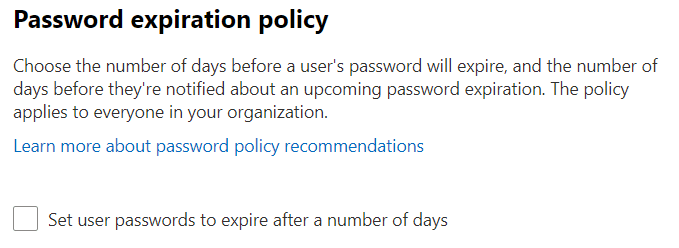
Password policy for Microsoft 365 is part of the organisation’s identity setup, not simply an Exchange mailbox preference. The right control depends on whether accounts are cloud-managed, synchronised or otherwise managed.
Check who manages the identity
Confirm the authorised administrator and the source of the account. A setting changed in the wrong system may not control the user’s effective policy. Use the appropriate administrative role rather than assuming every task requires a Global Administrator.
Do not confuse rotation with incident response
Routine password expiry and resetting a suspected compromised account are different decisions. Follow Microsoft’s current password-policy recommendations and your organisation’s approved policy. Multifactor authentication and review of compromised access also matter.
Use current administration instructions
The older Security & Privacy menu route in this article is not a reliable guide to every current tenant. Use Microsoft’s current administrative instructions for password expiration or user password resets, check the affected accounts and record the approved change.
Do not make policy changes just to resolve one user’s sign-in problem. Explain the issue and existing identity setup when requesting Microsoft 365 support.
Sources and further reading
Guidance checked 26 October 2026: Microsoft’s password-policy recommendations.
Illustrations