
Email setup
Browse other topics
- AI & Automation (4)
- Business & Industry (22)
- Content & Copywriting (12)
- Digital Marketing (23)
- Graphic Design & Creative Tools (5)
- Hosting & Maintenance (9)
- Matterport & Property Media (9)
- Microsoft 365 & Email (23)
- Online Safety & Scams (7)
- SEO & AI Search (20)
- Seven Creative News (9)
- Technology & Practical Guides (18)
- Websites & WordPress (12)
-
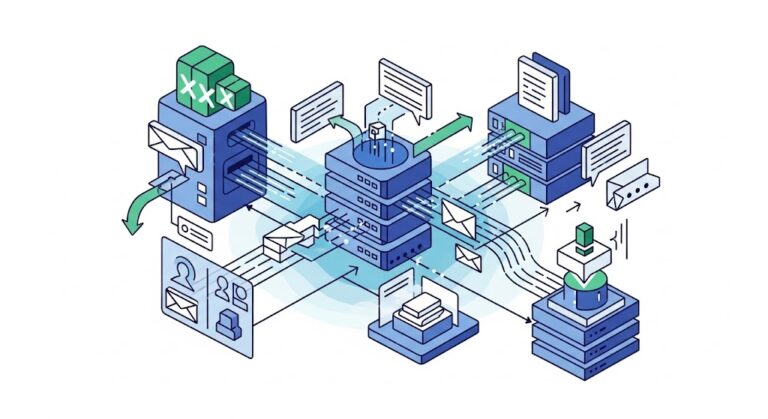
How to add Microsoft Exchange to your mobile devices
Android mobile phone or tablet iPhone or iPad Adding Microsoft Exchange to your mobile device generally involves a few key steps… …regardless of whether you’re using an iPhone, Android, or another smartphone. The primary goal is to configure your device’s mail application to connect to your Exchange server. On most devices you’ll typically start by…
-
Microsoft Exchange vs POP email vs free email
For virtually all of us, email is now a fact of life, however, not all email services were created equal. Within my career I’ve seen the first wide-scale early adoption use of business email back in the 90’s, all the way to smart phone with voice assistant here in the 20’s so I’ve certainly seen…
-
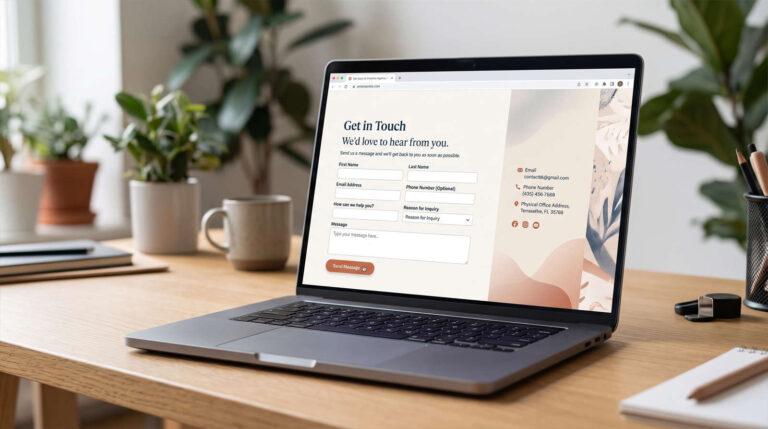
What is an ’email alias’?
An email alias is an additional address that delivers to an existing mailbox. For example, an address for enquiries could arrive in a mailbox you already use, rather than requiring a separate login. An alias is not another inbox Messages sent to the alias are handled by the destination mailbox. It does not normally have…
-
Why move to Microsoft Exchange?
It’s the year 2000. We’re at work. We sit in front of our computer, reading and replying to our emails. At the end of the day we turn the computer off. Everything is done… except it’s not! We’re driving home and remember that really important email we forgot to reply to. Did we press send…
-
WordPress – change the default ‘from’ information
The default email address and from name in WordPress notification emails can be easily changed by editing your functions.php file Simply add the following code (remembering to change the email address and name to the ones you want to use instead) add_filter(‘wp_mail_from’, ‘new_mail_from’); add_filter(‘wp_mail_from_name’, ‘new_mail_from_name’); function new_mail_from($old) { return ‘yourname@yourdomain.com’; } function new_mail_from_name($old) { return…
-
Simple Guide to Domain Registration, Email Services, and Web Hosting
A domain, a website and an email service can be supplied together, but they are different things. Knowing which provider controls each part makes a move much less confusing. Domain registration Registration gives you the right to use a domain under the applicable terms. Check the registrant details, account access and renewal arrangements. The registrar…
-
How to use Gmail as your SMTP server using Outlook
This tutorial will show you how to use your Gmail SMTP address to send emails from your personal email accounts using Outlook (this example uses Outlook 2007 but still applies in principle to the other versions of Outlook and other local email clients)
-
Outlook 2007 – adding SMTP authentication
When using a laptop or mobile device, you’re potentially going to be sending emails over many different internet networks. In order to make sure that only the allowed users are using a particular SMTP to send email, they commonly require a user-name and password to log into the SMTP server every time an email is…
-
Instructions about how to back up and export webmail emails from Horde
Instructions about how to back up and export webmail emails from Horde If you’re using Horde to manage your webmail emails and want to back them up, you may have realised that it seems to be not as easy to do as you’d hope without going through and forwarding email groups individually Fortunately, it is…