
The journal
Ideas, notes
& useful things.
Browse by topic
- AI & Automation (4)
- Business & Industry (22)
- Content & Copywriting (12)
- Digital Marketing (23)
- Graphic Design & Creative Tools (5)
- Hosting & Maintenance (9)
- Matterport & Property Media (9)
- Microsoft 365 & Email (23)
- Online Safety & Scams (7)
- SEO & AI Search (20)
- Seven Creative News (9)
- Technology & Practical Guides (18)
- Websites & WordPress (12)
-
How clean up your email and reduce spam
A crowded inbox is frustrating, but clicking every “unsubscribe” link in the spam folder is not a safe cleanup method. Separate unwanted legitimate subscriptions from messages you do not trust. Start with the messages you recognise Use the unsubscribe process for a legitimate newsletter you knowingly subscribed to. If you are unsure whether a message…
-

Step-by-step guide to manually moving a WordPress site to a new server continuing to use the same domain name
Moving a WordPress site while keeping its domain is a preparation and testing job before it is a DNS change. This is the order I would work through. If the site is business-critical or unfamiliar, involve someone who can manage the move and rollback. 1. Record the current setup List the site, database, uploads, custom…
-

Countries and territories in plain text
This is a copyable reference list of countries and territories, not an authoritative definition of sovereign states or a guaranteed complete current list. The original text download is retained. Copyable country and territory names in plain text Click here to download this page contents as a text file 1. List of continents There are seven…
-

How to add Microsoft Exchange to your mobile devices
Android mobile phone or tablet iPhone or iPad Adding Microsoft Exchange to your mobile device generally involves a few key steps… …regardless of whether you’re using an iPhone, Android, or another smartphone. The primary goal is to configure your device’s mail application to connect to your Exchange server. On most devices you’ll typically start by…
-

How to fix the Photoshop error “The currently selected scratch disks are full. Please modify scratch disk preferences that will come into effect in the next launch”
How to fix the Photoshop error “The currently selected scratch disks are full. Please modify scratch disk preferences that will come into effect in the next launch” Adobe Photoshop relies heavily on RAM (which is an acronym for Random Access Memory) to improve the speed of real-time image processing and application functionalities. However, the physical…
-

How to fix WordPress error “Updating failed. Could not update post in the database”
The WordPress error message “Updating failed. Could not update post in the database” appears when the system is unable to save changes to a post or page. This error typically involves a breakdown in communication between WordPress and its underlying database, preventing updates from being committed. However, if this problem affects only certain posts or…
-

The Curious Case of ChatGPT’s Hallucinations – a growing concern with AI
In the ever-evolving landscape of artificial intelligence (AI), ChatGPT has emerged as a prominent figure, captivating users with its conversational prowess. Yet, beneath its polished exterior lies a perplexing issue that has both researchers and users scratching their heads: the phenomenon of AI “hallucinations.”
-
How to avoid blurry images when posting to social media such as Instagram
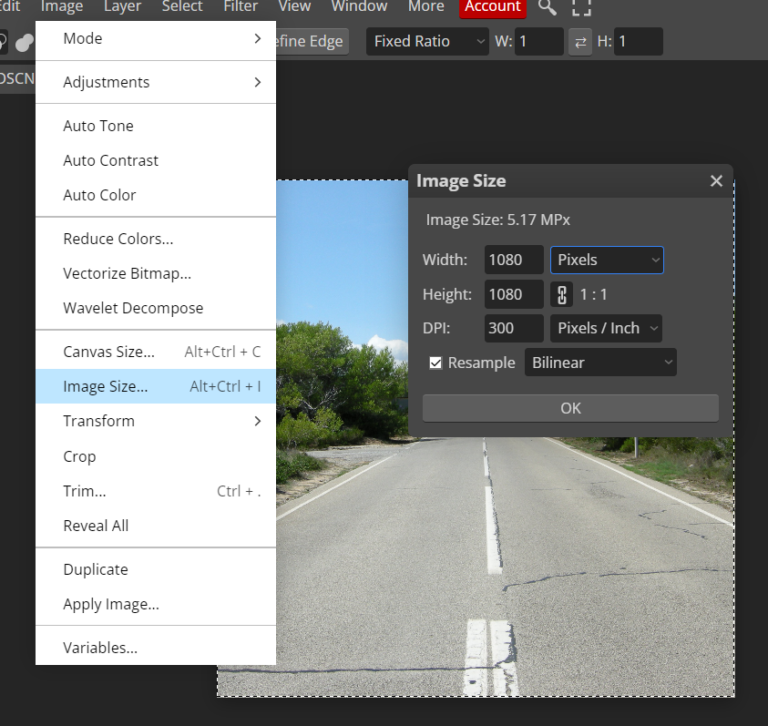
When you upload an image to Instagram or other social media, they’re processed by the server, resized and sometimes cropped automatically, and we usually don’t have a lot of control over this. This is called ‘image optimisation’ and is done to improve the display speeds of your images. Image optimisation reduces the size of the…
-
How to remove a website from the reCaptcha admin console in 3 easy steps
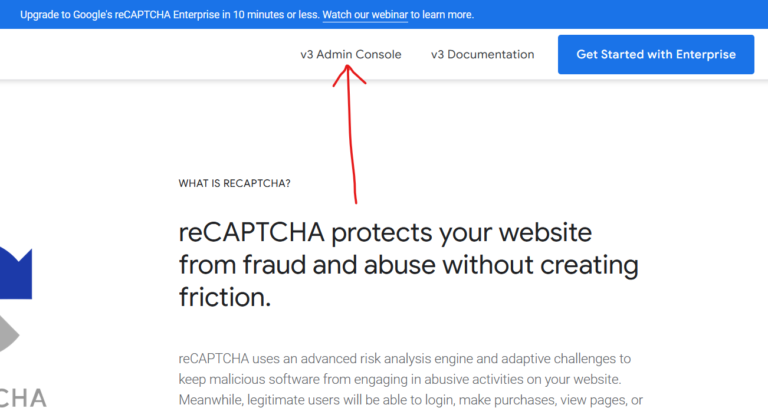
Step 1 – log into the reCaptcha console: https://www.google.com/recaptcha/about/ Step 2 – go to the website you’d like to delete from the drop-down then click the ‘settings’ icon Step 3 – from the website reCapcha settings page look at the top-right corner to see the ‘delete’ icon’ What is the Google reCAPTCHA? Google reCAPTCHA is…
-

Virtual tour for a showroom – example
Here is an example of virtual tour for a showroom – created recently for The Senator Group at their Farringdon, London showroom . The Senator Group create contemporary furniture for offices, homes, and public spaces. They began in 1970 and are now part of a Allermuir. As an independent design house, they partner with the…
-
Microsoft Exchange – how to update your SPF, DKIM and DMARC records
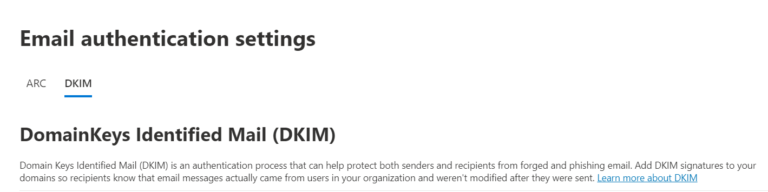
Microsoft 365 email authentication needs to match your actual domain and sending services. A copied example can be wrong even when it looks similar to your tenant’s records. Map who sends mail List Microsoft 365, website forms, marketing platforms and any other legitimate senders. Check the current DNS and ownership of the change. Do not…
-

Does the Photoshop generative AI images generator actually work?
Like many of us I’ve been experimenting with generative AI images. The Photoshop version requires a prompt, and within a few seconds, it creates an image for you based on that text. But is it actually useful and what can you do with it? Example 1 – “one large jigsaw piece being held by a…
-
Shopify DMARC authentication for email
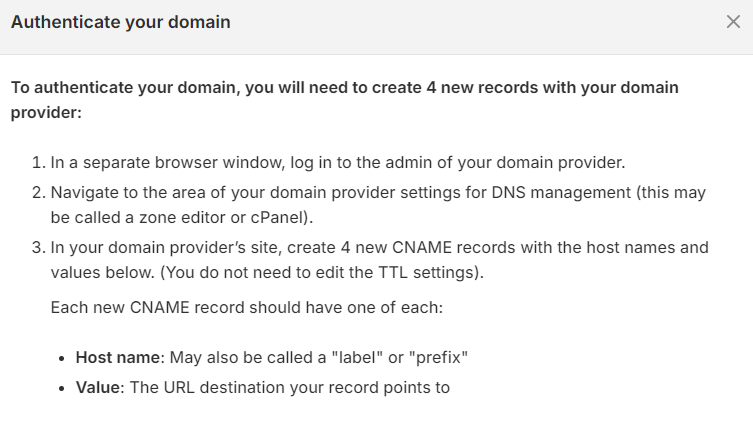
If Shopify asks you to authenticate your sender email, use the records shown in your own store. Do not copy another business’s values or assume a DMARC record alone completes the setup. Find the store’s current instructions In Shopify, open Settings → Notifications and look for sender email and email domain authentication. Shopify currently offers…
-
How to Force Refresh Your Web Browser & Why You Might Need to Do It
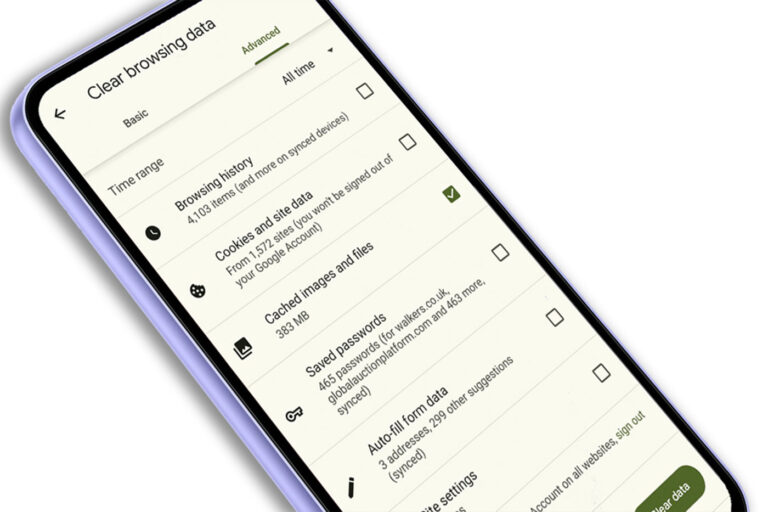
What is a Browser Cache or Web Cache? A browser cache, sometimes called a web cache, is like a temporary storage space for your internet browser. It stores copies of website files, like images, scripts, and HTML code, on your computer or device. This means the next time you visit the same website, your browser…
-

Photoshop error – Could not complete this operation. An error occurred while reading the endian type
WebP is a modern digital image format developed by Google that offers significant advantages over traditional formats like JPEG and PNG. However, editing and saving this new type of image in Photoshop isn’t always as fast or straight-forward as you’d hope. Check your Photoshop version and WebP support Photoshop 23.2 and later has native WebP…