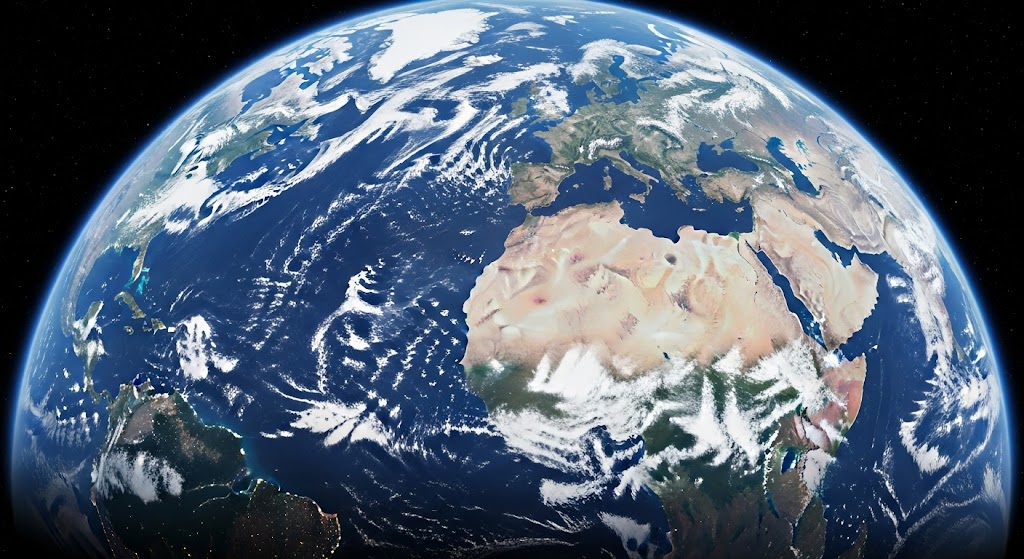
This page lists all the countries of the world in text format with no lists or bullet points making it easier to cut-and-paste Click here to download this page contents as a text file 1. List of continents There are seven continents: AsiaAfricaNorth AmericaSouth AmericaAntarcticaEuropeOceania 2. Countries by continent South America ArgentinaBoliviaBrazilChileColombiaEcuadorGuyanaParaguayPeruSurinameUruguayVenezuelaFrench Guiana Africa AlgeriaAngolaBeninBotswanaBurkina … Continue Reading