
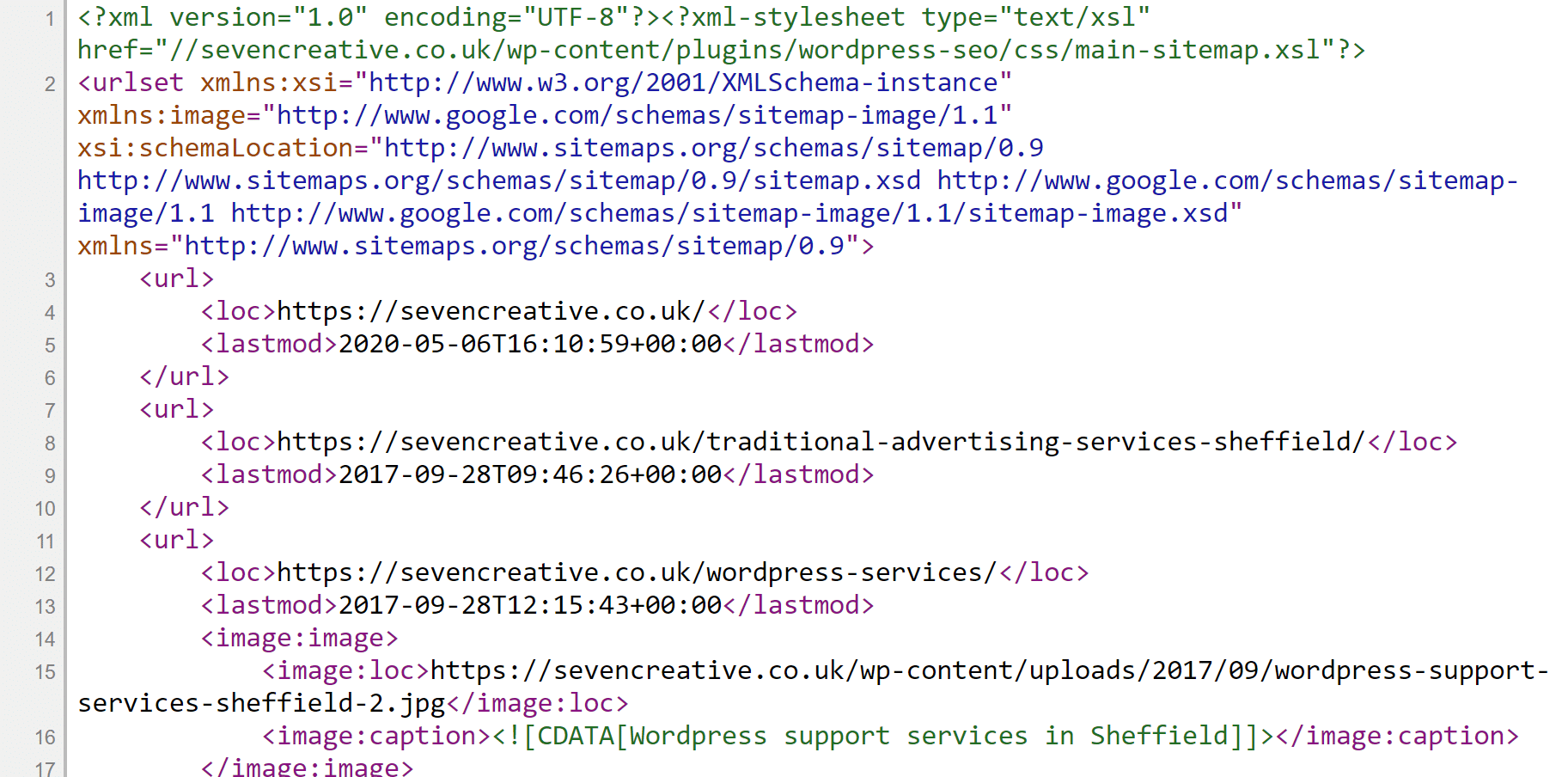
An XML sitemap gives search engines a list of URLs you want them to discover. It complements the links on your website; it does not replace useful navigation or guarantee that a page will be indexed.
Which URLs belong in it?
Use the public, canonical URLs you want considered for search. Drafts, private content, redirected URLs and deliberate noindex pages do not belong in a public indexable-page list. Special image, video or multilingual requirements may need additional sitemap information.
Where is the sitemap?
The address depends on the website. WordPress core and SEO plugins can generate different sitemap endpoints, so inspect the actual site rather than assuming every sitemap is named sitemap.xml. Avoid enabling competing generators without understanding the result.
What does the file contain?
A basic entry identifies a URL, and may include an accurate last-modified date. That date should reflect a meaningful content change. A priority or change-frequency field is not a way to order Google to rank or recrawl a page.
Check before submitting
Open the actual sitemap, inspect a sample of its destinations and check that the URLs resolve directly. Compare it with the pages you intended to expose. On a live site, Search Console can help identify processing issues, but an accepted sitemap is not proof that every URL has been indexed.
Keep staging separate
Do not submit a development site to search engines or remove its indexing protection just to test a sitemap. Plan the domain, canonical and robots checks for launch. Staging should remain discouraged from indexing until the owner explicitly authorises launch.
For a search-discovery review, see our technical SEO and SEO audit services.
Sources and further reading
Guidance checked 26 October 2026: Google’s sitemap documentation.
Illustrations
